Choose your sides.
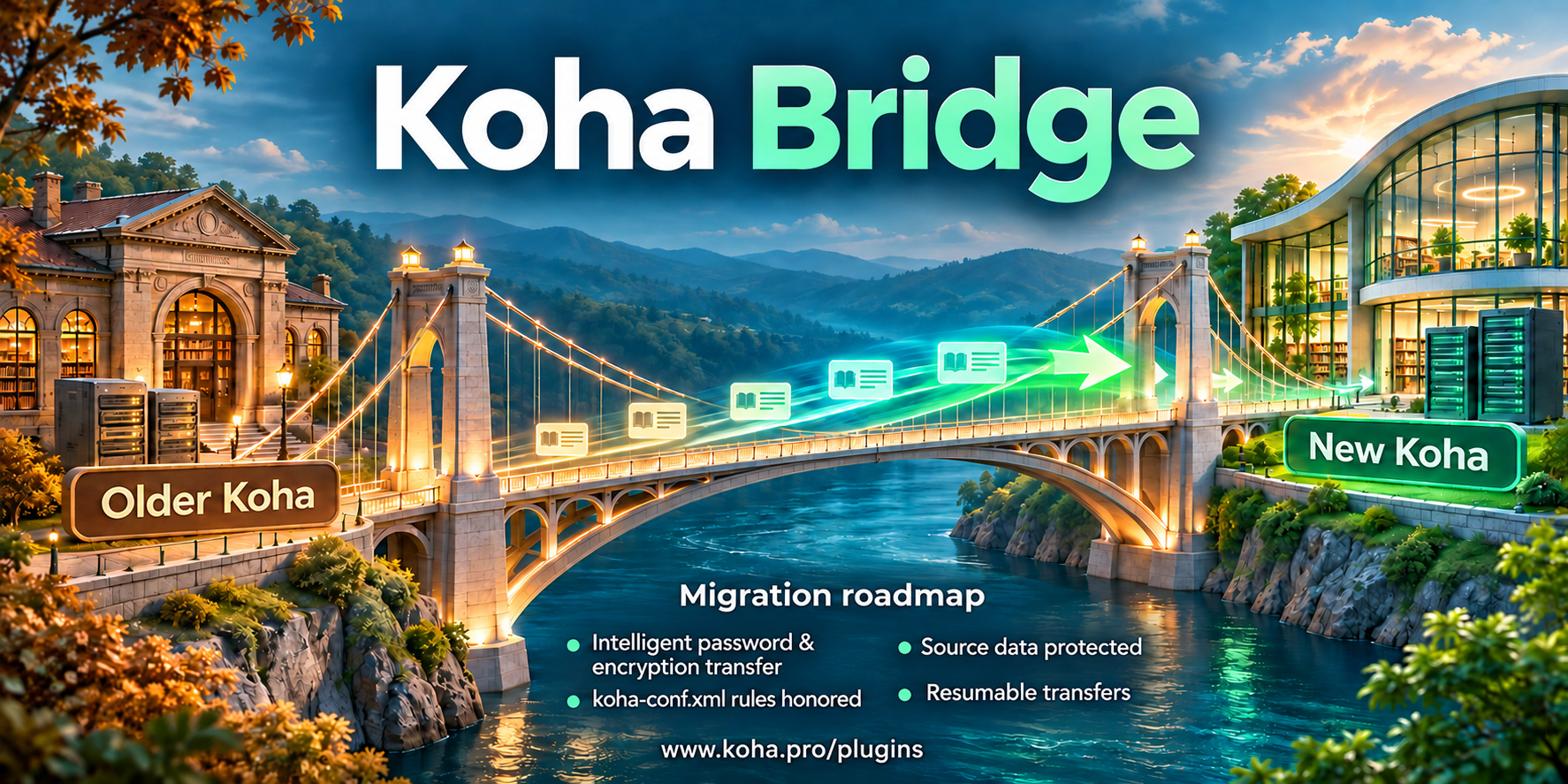
Install the Export plugin on the source and the Import plugin on the destination. The source remains read-only.
Source → DestinationA clearer path from the Koha you have
to the Koha you’re ready for.
Bring your library data forward with a guided snapshot workflow. Protect the source, prepare the destination, and see what’s happening in one place.
Matching Source Export and Destination Import KPZs · 0.3.13
TWO-PLUGIN WORKFLOW · 0.3.13
Install the matching Export and Import plugins. Create a fresh ZIP on the source, then select it on the destination. The importer verifies an existing database backup before replacing library data.
The source archive includes full Koha configuration and may contain credentials. It also includes standard intranet and OPAC template images. Keep the ZIP private.
Row-level errors are logged and skipped. A failed table rolls back while other tables continue. Connection loss stops the job; previously committed tables remain and the backup can restore the existing database. Review the report after each run.
Import opens the public status page in another tab. Zebra bibliographic and authority indexes rebuild automatically, with progress shown there. Sign out and back in when the job finishes; restart destination Plack if configuration changed.
A DELIBERATE CROSSING
Export once from the source, then import the ZIP on the destination. Keep the report and existing database backup for review.
Install the Export plugin on the source and the Import plugin on the destination. The source remains read-only.
Source → DestinationCreate a fresh export ZIP. It includes official Koha table data, schema references, and the source runtime configuration capsule.
Capture · Download · VerifyChoose the fresh ZIP in the destination importer. It verifies an existing database backup before replacing destination library data and records row exceptions in a report.
Review before replacementLESS TO INTERPRET. MORE TO SEE.
The current table, the phase, and a clear view of how far you’ve come. Open Details when you want more context.
Interactive illustration with example data. This is not connected to a running migration.
Your snapshot is being copied to the destination.
210 of 295 tables downloaded
Progress saved independently of your browser
THE DETAILS BEHIND THE CROSSING
Moving rows is only part of a migration. Configuration, relationships, access and recovery all need a place in the plan.
Preserve supported patron password hashes without needing plaintext passwords. Keep the destination administrator’s credentials, and check authentication separately before handover.
Bridge adapts incoming data through reviewed mappings and validated conversion rules for supported Koha schema differences. Column mappings, required values and numeric precision are checked while preparing the load; unresolved differences stop for review.
Supported library settings are transposed while destination database credentials, encryption keys, filesystem paths, and service bindings remain destination-specific. Supported encrypted fields are re-encrypted when both keys are available.
Referenced records load before dependents and foreign-key checks stay enabled. Individual rows with missing required parents or other row errors are logged and skipped; connection or transaction loss stops the job.
Sessions, API credentials, queued jobs and outbound integrations receive explicit operational handling. Bringing historical data across does not mean replaying old jobs or enabling source integrations on the destination.
The importer verifies a private existing database backup before replacement. A failed table rolls back by itself; later tables continue. If the whole job stops, restore the existing database backup to undo earlier table commits. Uninstall removes Bridge import files and backups when no worker is active.
WHERE THE PROJECT STANDS
Koha Bridge is in active development. The separate 0.3.13 Export and Import plugins are development test releases. Local disposable fixtures cover source capture, replacement, rollback and configuration conversion. The latest MTC operator run confirmed successful login and catalog results after a full Zebra index rebuild. Release 0.3.13 carries standard source template images, rewrites matching style references, and adapts legacy staff logo CSS to the destination header markup. The next end-to-end run will confirm this image transfer on the destination.
Source export creates a private ZIP with official tables and Koha configuration. The destination importer creates an existing database backup, replaces library data and writes a readable report.
The importer is still under development. Test on a disposable destination first and preserve the existing database backup and report.
Supported password hashes can be preserved without knowing the original passwords. Password hashing is different from reversible encryption: integration passwords encrypted with a source-specific key need a separate destination credential strategy. Authentication compatibility must be checked for the selected Koha releases.
Bridge compares the scoped source and destination definitions, prepares approved column mappings and applies validated conversion rules. For example, a numeric value must fit the destination precision without silent rounding. Unsupported differences remain blocked for review; Bridge does not replace the new Koha’s schema with the old one or claim support for every version pair.
No. Refresh requests a new full snapshot. Changes made on the source after that capture are not included. Continuous change synchronization is not enabled.
Capture reads source library data without changing it. Capture still consumes server resources, so schedule it with the source administrator and allow for the size and workload of the library.
Download progress is saved. Transient transport failures have bounded retries; a stopped job may need operator recovery. Lost source capture transactions require a fresh capture. Recovery behavior depends on the phase.
No. Import starts only when an operator uploads a ZIP and clicks Import ZIP. It verifies an existing database backup before replacing official library data.
FROM KOHA.PRO · BY LIGHTWAVE LIBRARY
Explore Koha Bridge alongside the tools we’re building for Koha’s next chapter.
Explore koha.pro plugins Meet RustSearch →